Making RENO: Virtual Production
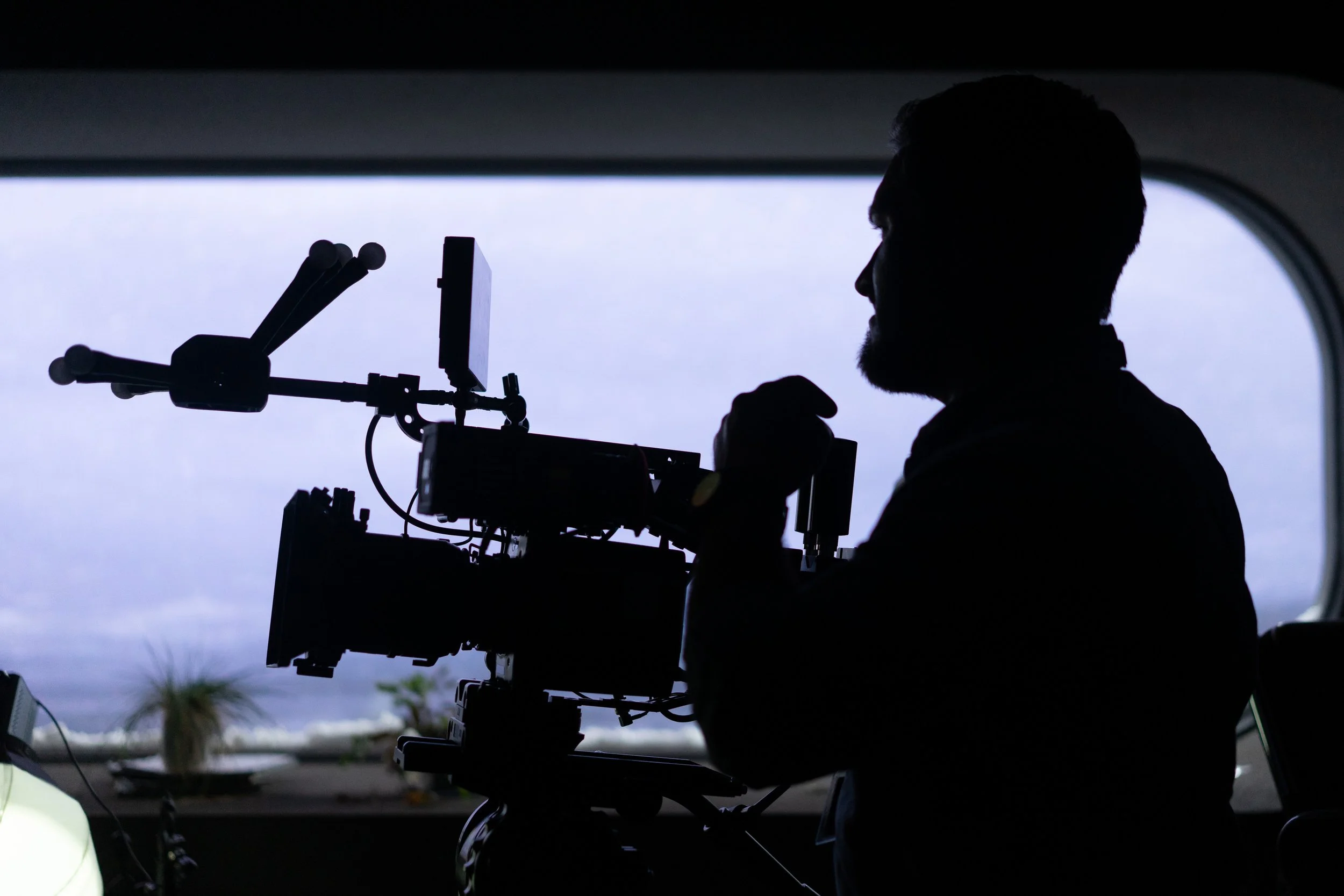
If you’ve been following Lux Aeterna for a while, you might know about RENO, our original sci-fi short film. Now RENO is premiering at film festivals and being seen by audiences for the first time, I’m going to dive into tools and techniques we used across the film. First up, we’re looking at how we approached using a virtual production volume to shoot RENO.
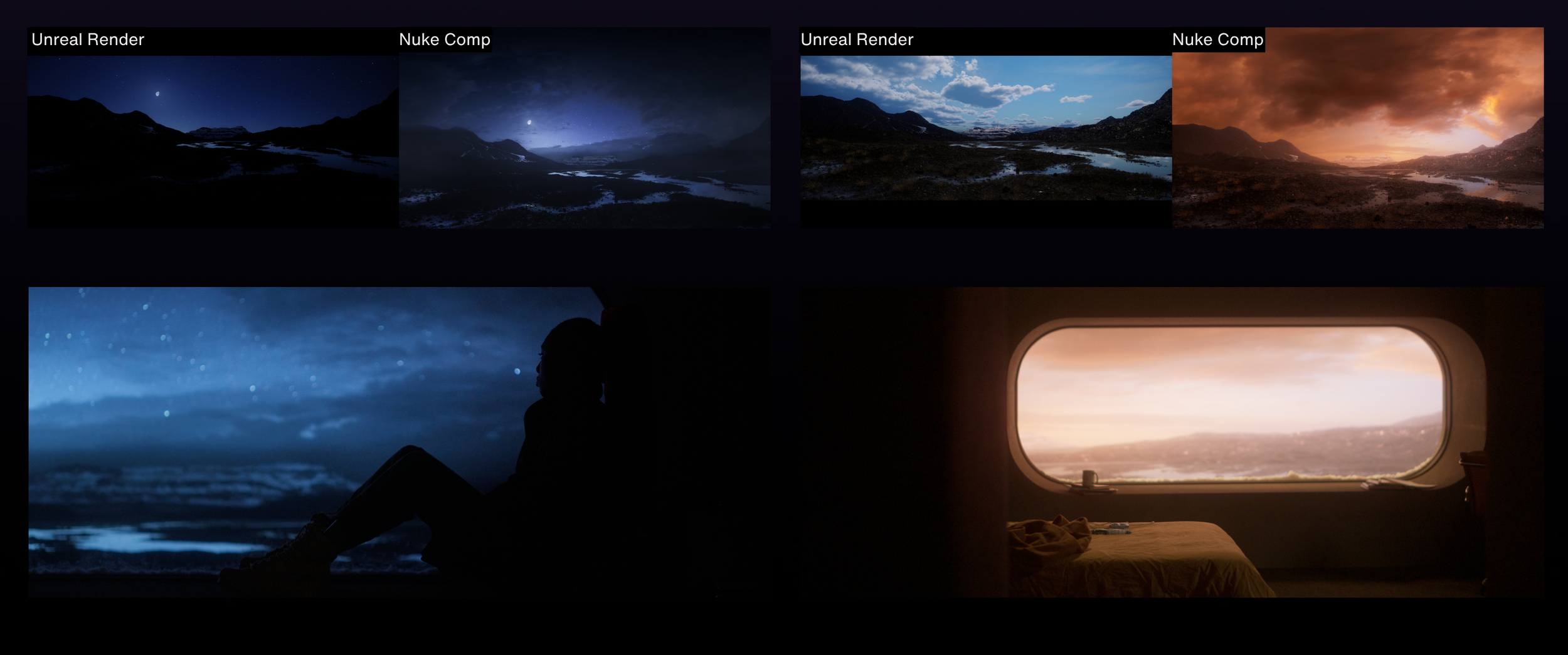
RENO takes place in a research facility seedbank in a remote arctic tundra. The story follows Imani (Sophia Brown) as she spends months isolated from humanity. The external environment as seen from inside the seedbank facility plays a major role in the story of RENO, and how we would capture and communicate that to the audience was pivotal.
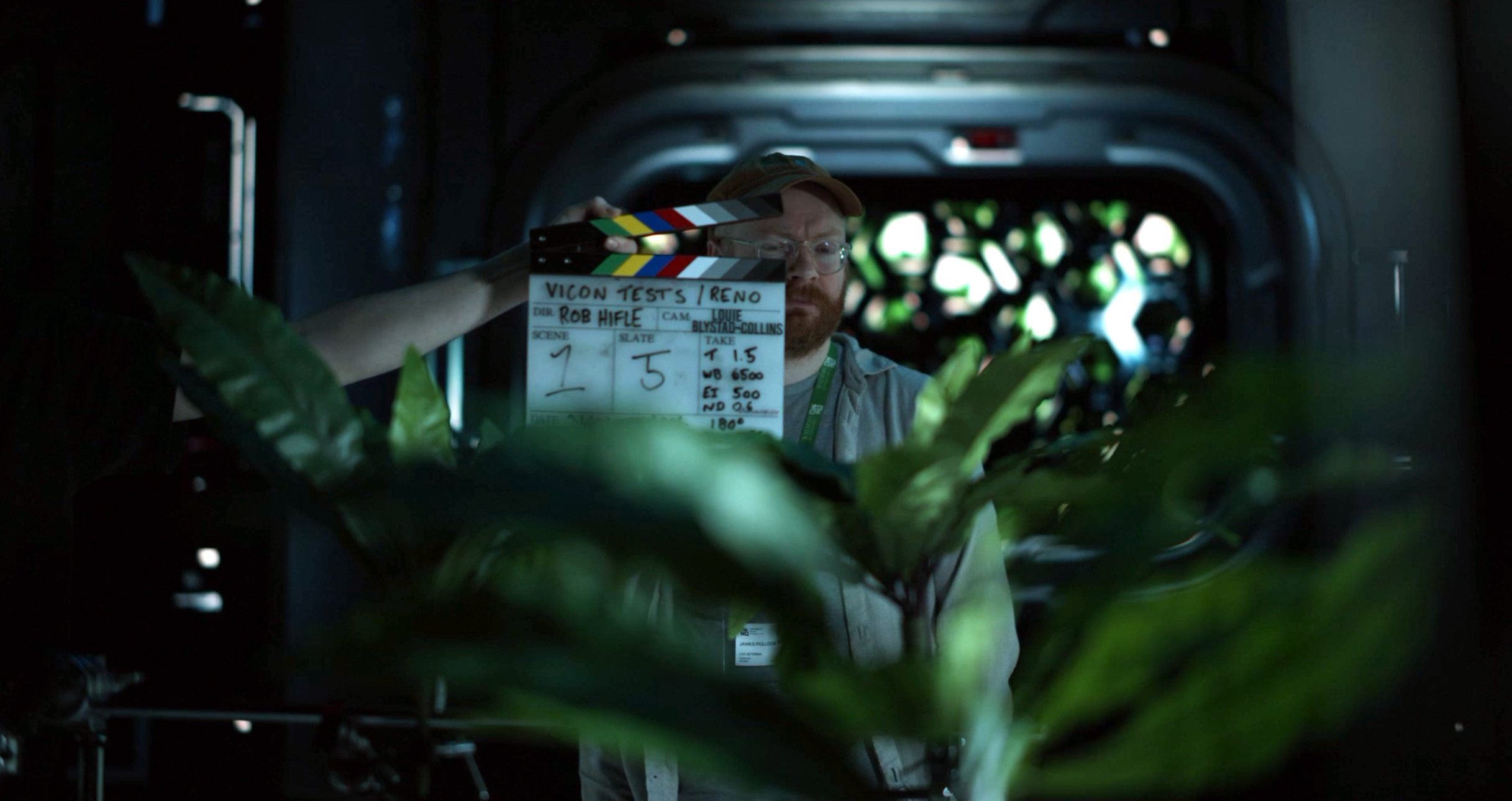
From early on, we knew most of RENO would be shot in a VP studio, and so we planned to do as much as possible to understand and get the most out of the technology. This meant multiple test days at the VP studio, getting to grips with their setup, figuring out what worked on the volume, and how to integrate that with director Rob Hifle’s vision for the film.
Unreal’s nDisplay tools are the foundation of many virtual productions. Our test days gave us the opportunity to experiment with early Unreal scenes in the volume. Not only was this useful for getting a technical understanding of how Unreal content manifested on the volume, it also gave a great reference for how those environments would appear in-camera, and how realistic they looked.
One of the key challenges we had to grapple with was making sure our Unreal content ran well on the volume. Even with substantial rendering capability powering the volume, scenes can still be too complex and demanding to ensure stable performance. An occasional hiccup in framerate is tolerable in a videogame, but on a virtual production shoot, it could ruin a shot, so we had to make sure everything was as performant as possible.
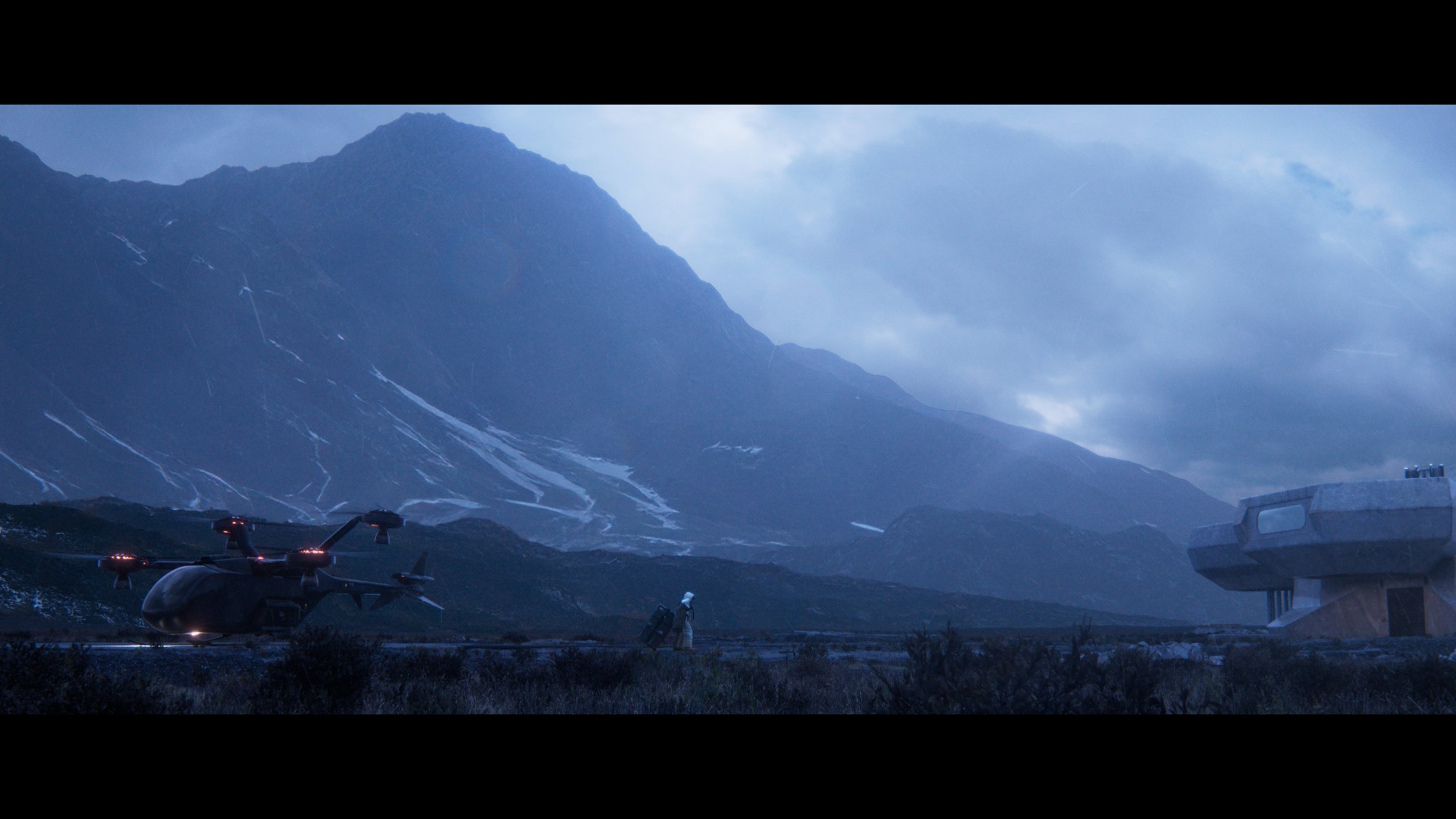
To mitigate any rendering and stability issues, we looked at scenes where the flexibility of a realtime, tracked backdrop was less necessary and where we could use other methods to render our backdrops. For the landscape that appears outside of the facility, we prerendered video plates from Unreal and played them back on the volume through Pixera. This had the added benefit of allowing those plates to be worked up further in Nuke.
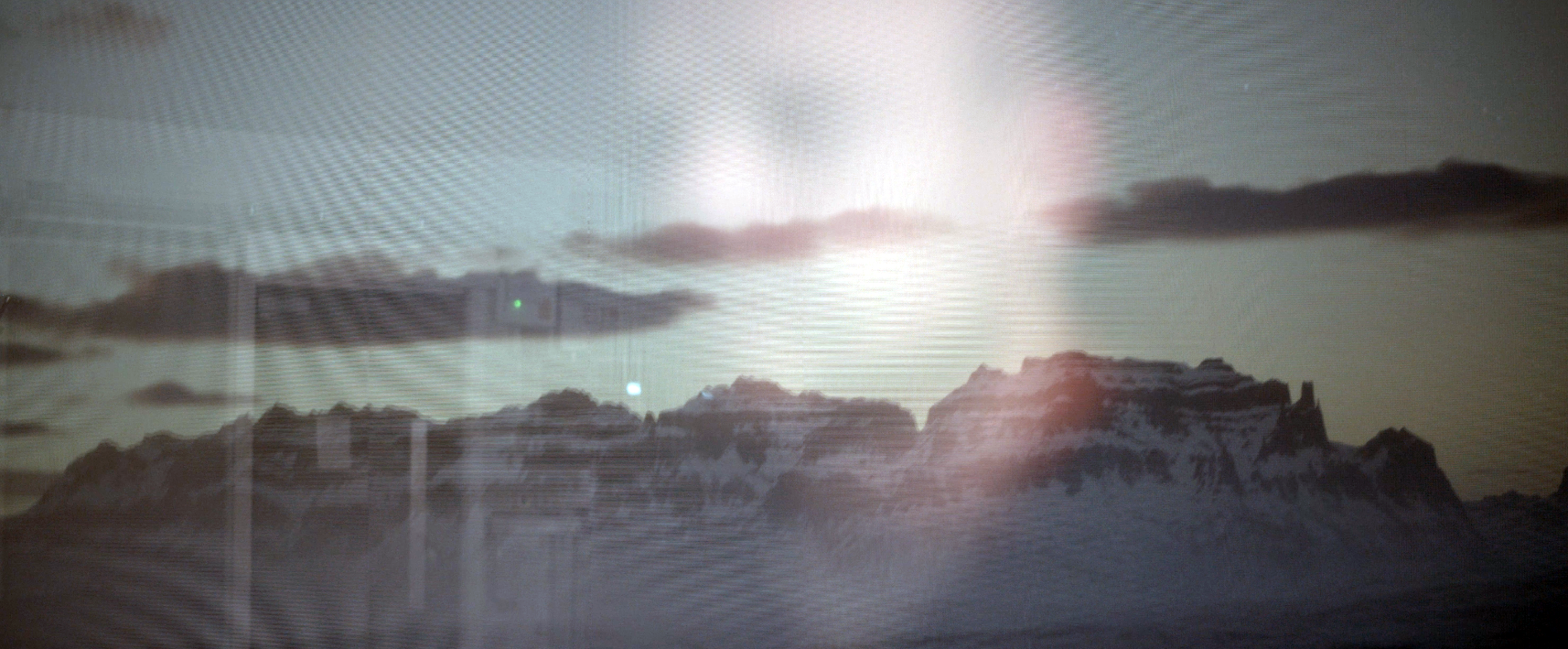
“Moiré” is the name for those weird patterns that appear when you point a camera at a screen (there’s actually a number of places these patterns can appear, but this a common one and how it manifests in VP), essentially, the issue arises because of a clashing in how the LED grid that makes up the VP volume interacts with the camera sensor grid. This creates odd shimmering lines that appear in-camera when filming the volume screen. Moiré can be hard to notice on set, but if it’s captured in filming, it can make those shots unusable, so it was really important to tackle.
In our testing, we drilled down into what would cause different combinations of screen and camera to produce moiré. This really helped the director Rob Hifle and DOP Louie Blystad-Collins get a grounding on how best to work with these limitations while getting the most out of the volume especially with regard to focal lengths and the volume prior to shoot. In the below is an example of the moiré we encountered in testing and avoided on the actual shoot:
From an artistic standpoint, it was also critical to figure out what kind of quality of light the volume would give us, what kind of looks we could achieve, and how we would balance that light with other practical light sources, including the RENO character - a glowing, floating orb. We did a number of lighting tests with different scenes, times of day, and additional light sources.
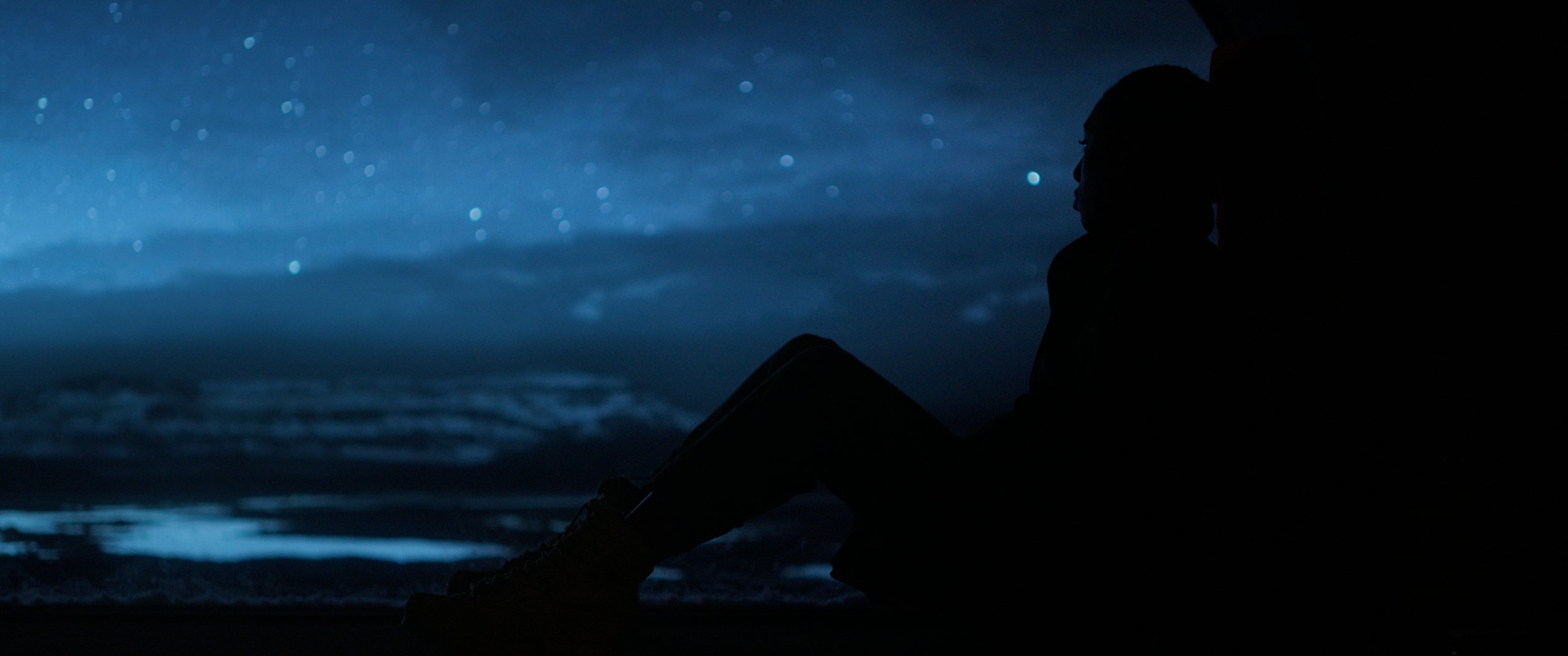
Ultimately, using virtual production on RENO really paid off, in part because of all the prep we did beforehand. In the exterior scenes of the seedbank facility, the volume really sells the look of cold daylight coming through the window from the frigid tundra landscape. When we move to nighttime scenes, the specs of bokeh from our virtual stars look beautiful.
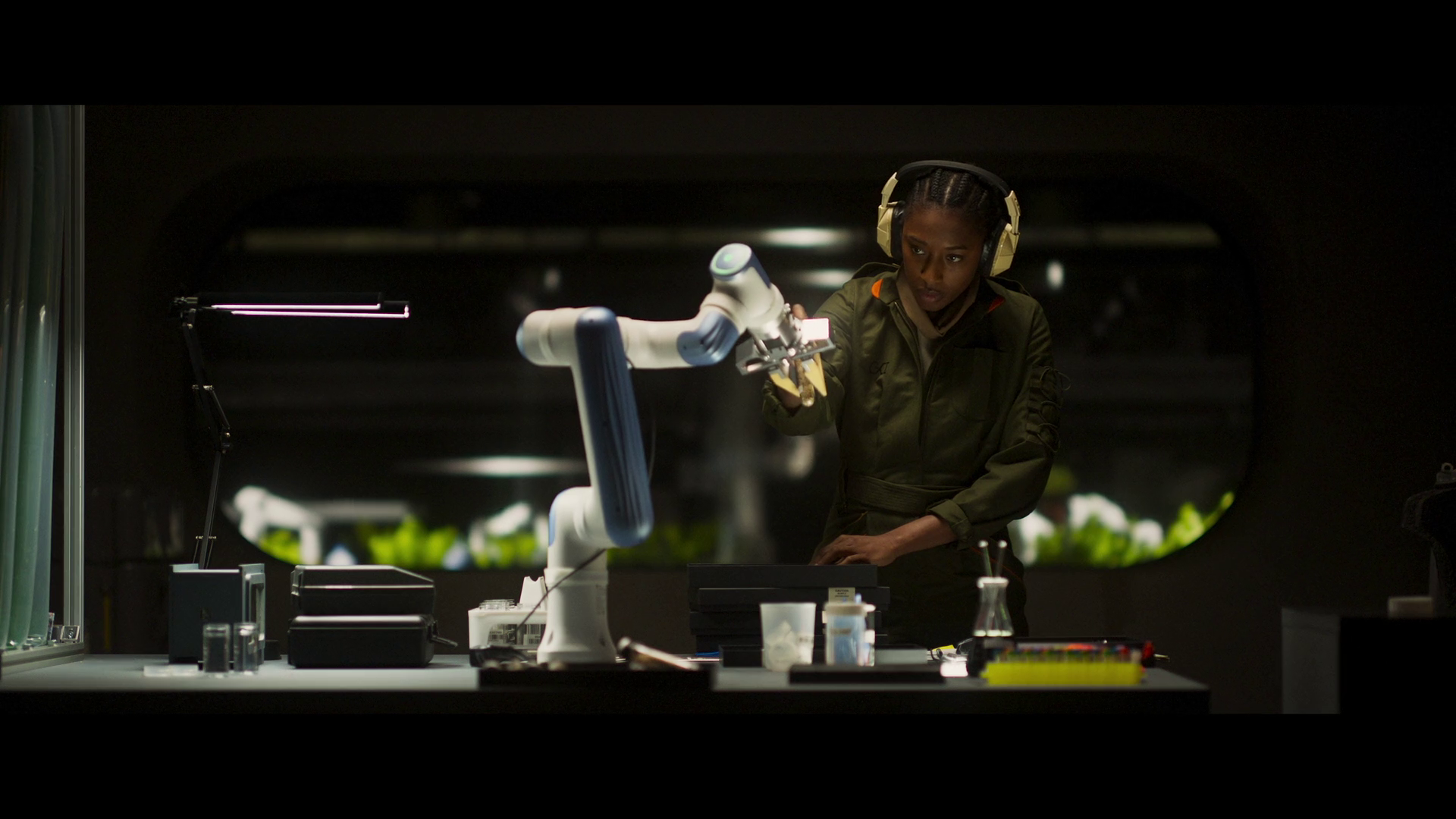
In the scenes in the lower floors of the facility, VP seamlessly extended our set and helped us create a more evocative space. In the laboratory, the volume not only extended the set, but let us populate the scene with additional robotic arms to back up the practical one we used on set.
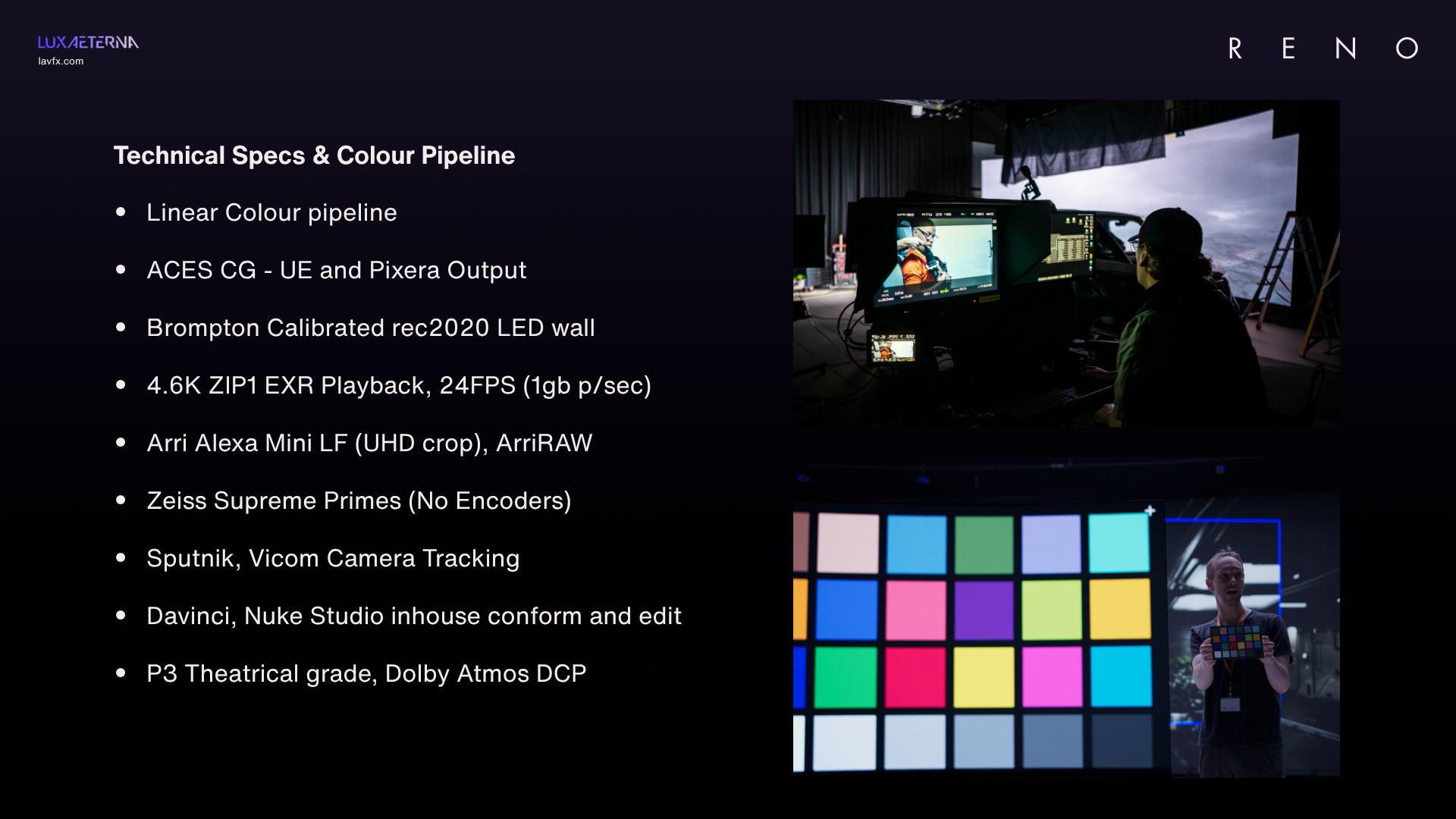
For those who want to get into the nerdy details of the kit we used and our output targets, here are RENO’s tech specs: