
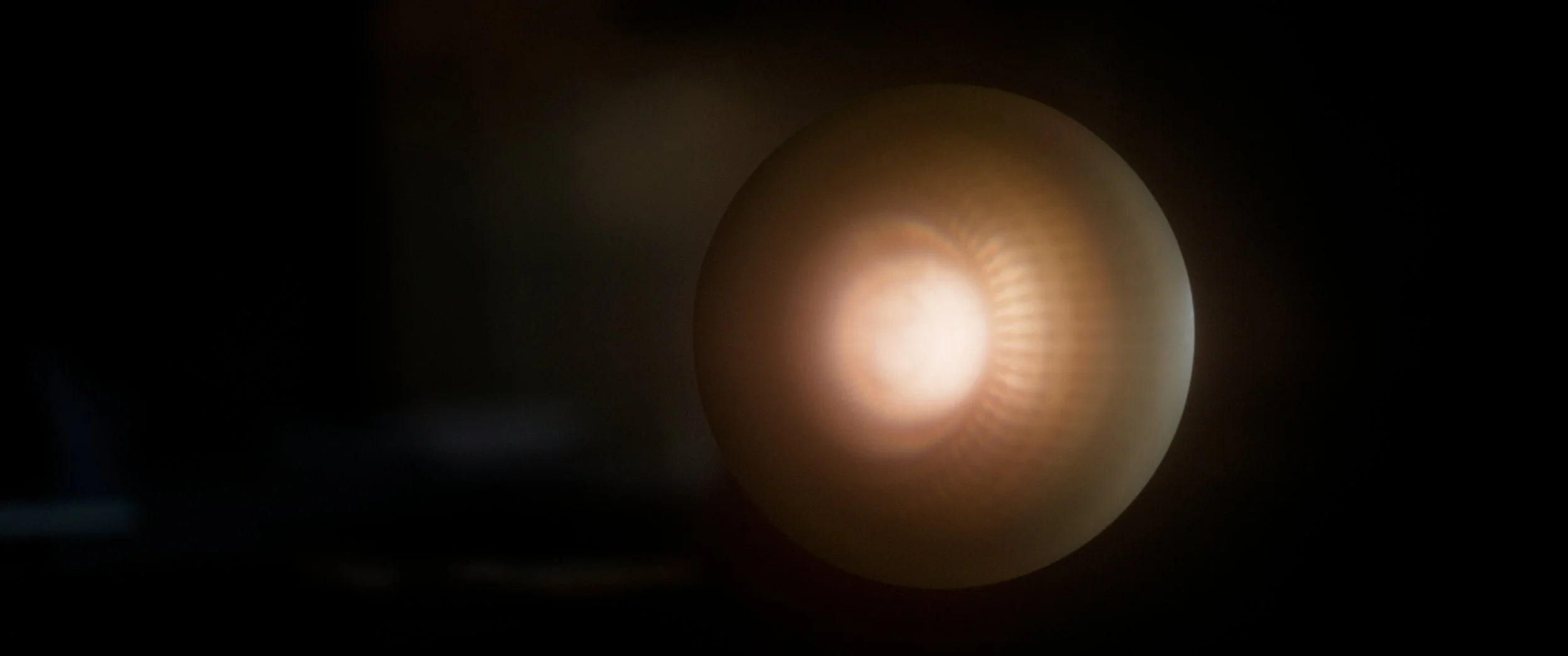
To coincide with our short sci-fi film RENO premiering at film festivals, we’re exploring some of the technology and techniques used in creating it. This week, we’re looking into how the VFX team captured and created the titular RENO (Amanda Collin), an advanced AI assistant that helps operate the remote research facility the film takes place in.
The design of RENO underwent many changes during its development, as the team tackled the challenge of creating a character that could evoke emotion and intelligence, and could believably exist in the research facility environment and interact with our live action protagonist, Imani (Sophia Brown).
When the decision was made to use a glowing orb practical light as a stand-in for RENO on set, that solved a lot of challenges about making RENO feel embedded in the scenes, such as casting real light on the set and Sophia, and having a physical presence Sophia could interact with. This approach did bring its own challenges, however, including tracking, and rig and marker removal.
The studio we were filming in used Vicon trackers to track the camera in 3D space, dynamically shifting the perspective of the volume content to match the camera’s position. Through working with the studio team, we found that we could also use Vicon to track our RENO orb on set.
By utilising Vicon tracking in this way, we were able to track the orb in 3D space even when it wasn’t in frame. Of course, tracking things that are out of frame isn’t that useful, but for all those moments where RENO is just entering or exiting frame, or occluded by something in shot, this is really useful.
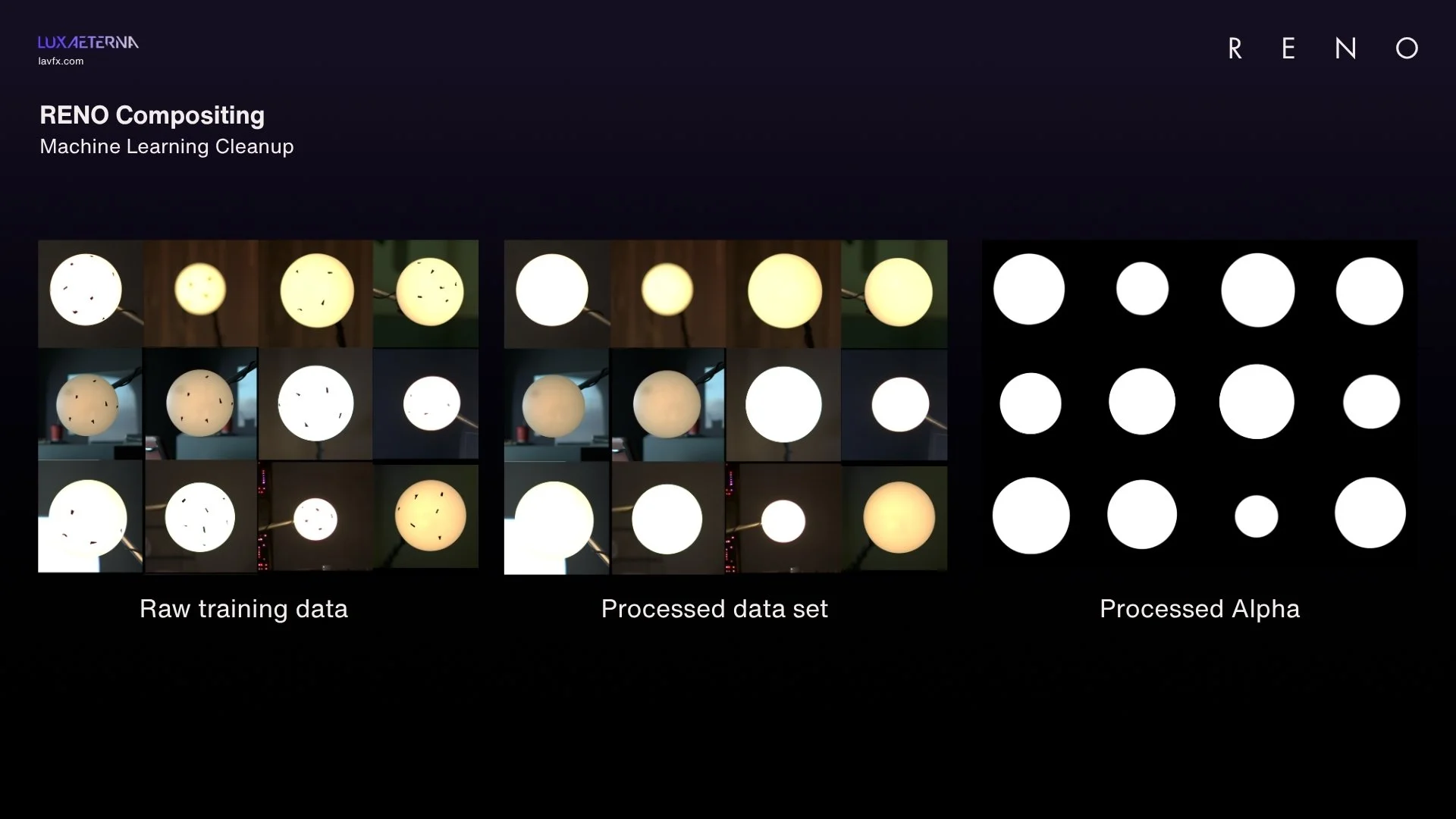
We made sure to use tape on the orb to help manually track the orb if needed. However, we also wanted to use as much of the original practical prop as possible in creating our RENO character visuals, so these markers would need to be removed so we could composite in our procedural VFX on top of the orb.
For this task, we used Nuke’s CopyCat machine learning tools. We cleaned up by hand a selection of frames of RENO from across the film to create our dataset of what we wanted our clean orb to look like, set the machine learning process training on our dataset, and were able to use the resulting model in an inference node to clean up our RENO shots in a matter of minutes.
Once we had cleaned up those shots, we could get to work compositing in our 3D RENO VFX. The tracking data from the Vicon gave us all the 3D data we needed about the position and orientation of the orb, so it was simple for our 3D artists to render RENO out in a way that would line up perfectly. This also helped us use deep compositing to match things like lens bokeh, making RENO feel optically consistent with everything else in frame.
These solutions helped make this compositing far more efficient and approachable for our artists, and allowed them to focus on making RENO feel embedded in each scene, and back up Amanda Collin’s stellar performance as RENO.